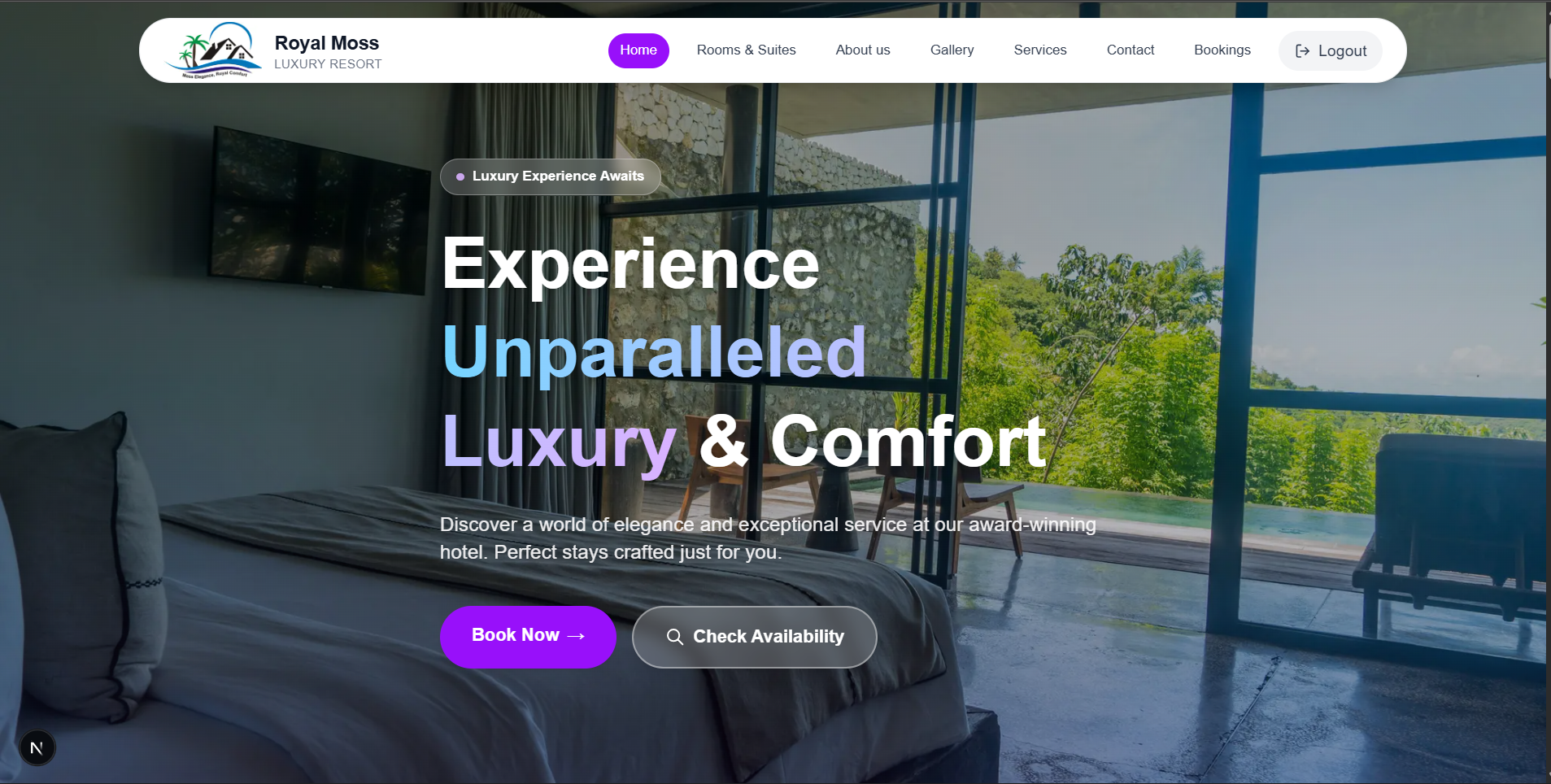
Royal Moss Hotel & Suites
A sophisticated e-commerce platform for African women's fashion, featuring a seamless shopping experience, secure checkout, and comprehensive admin management system.

Features
- Google Authentication
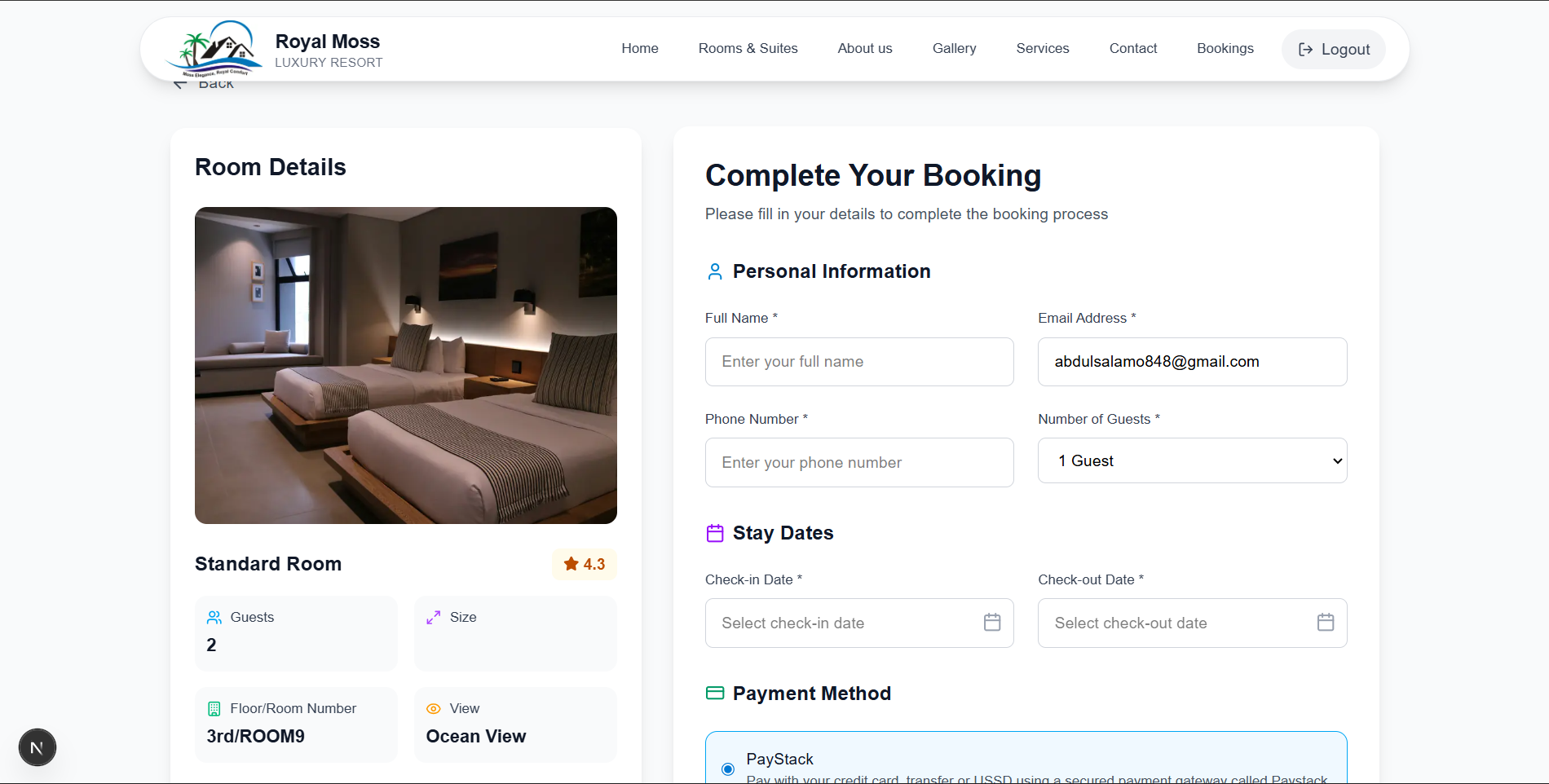
- Booking system
- Invoice/Receipt Download
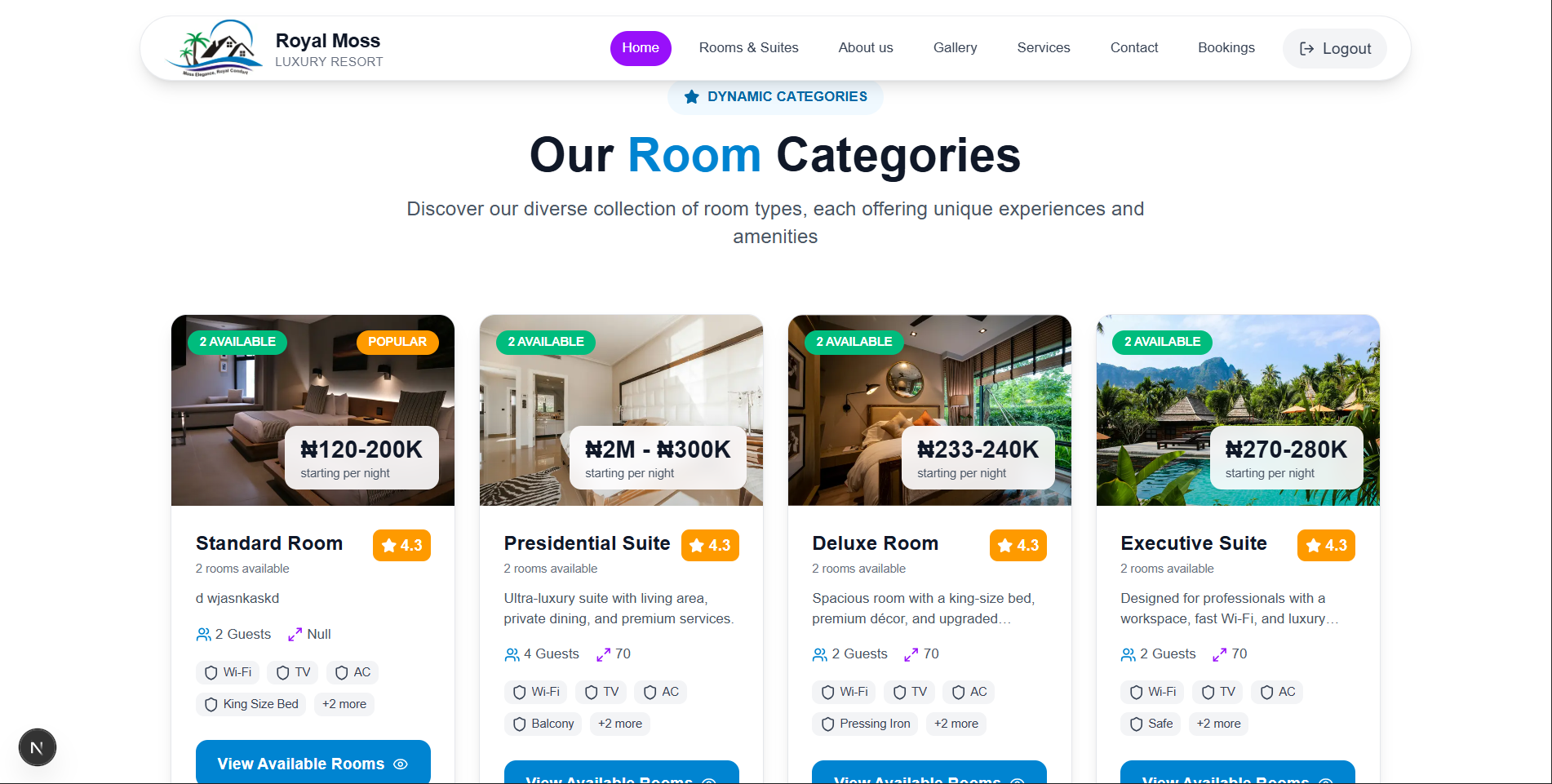
- Room listings
- Mobile Responsiveness
- Admin Features
- Booking confirmation Email
- Contact Support
Tech Stack
Project Details
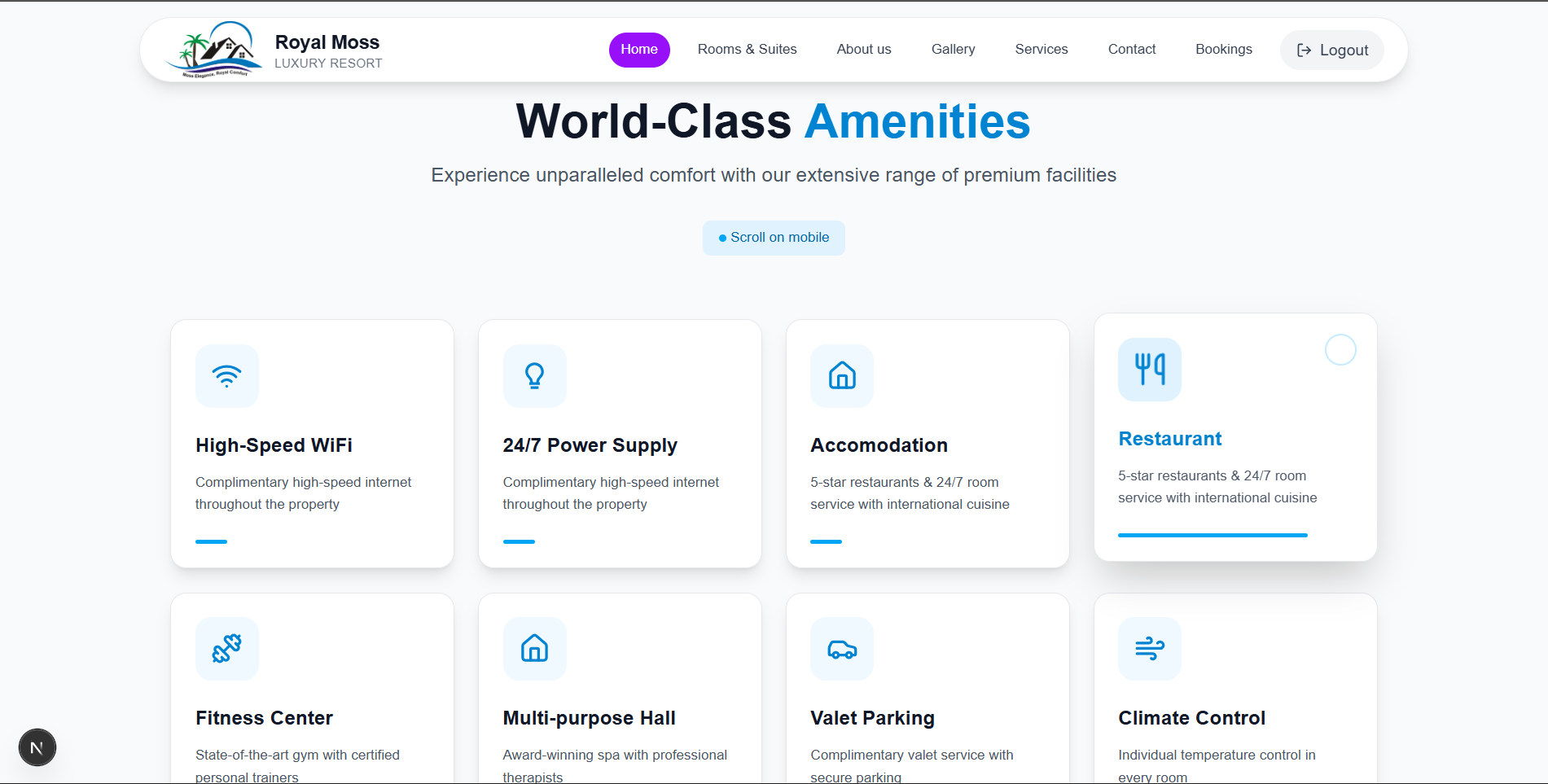
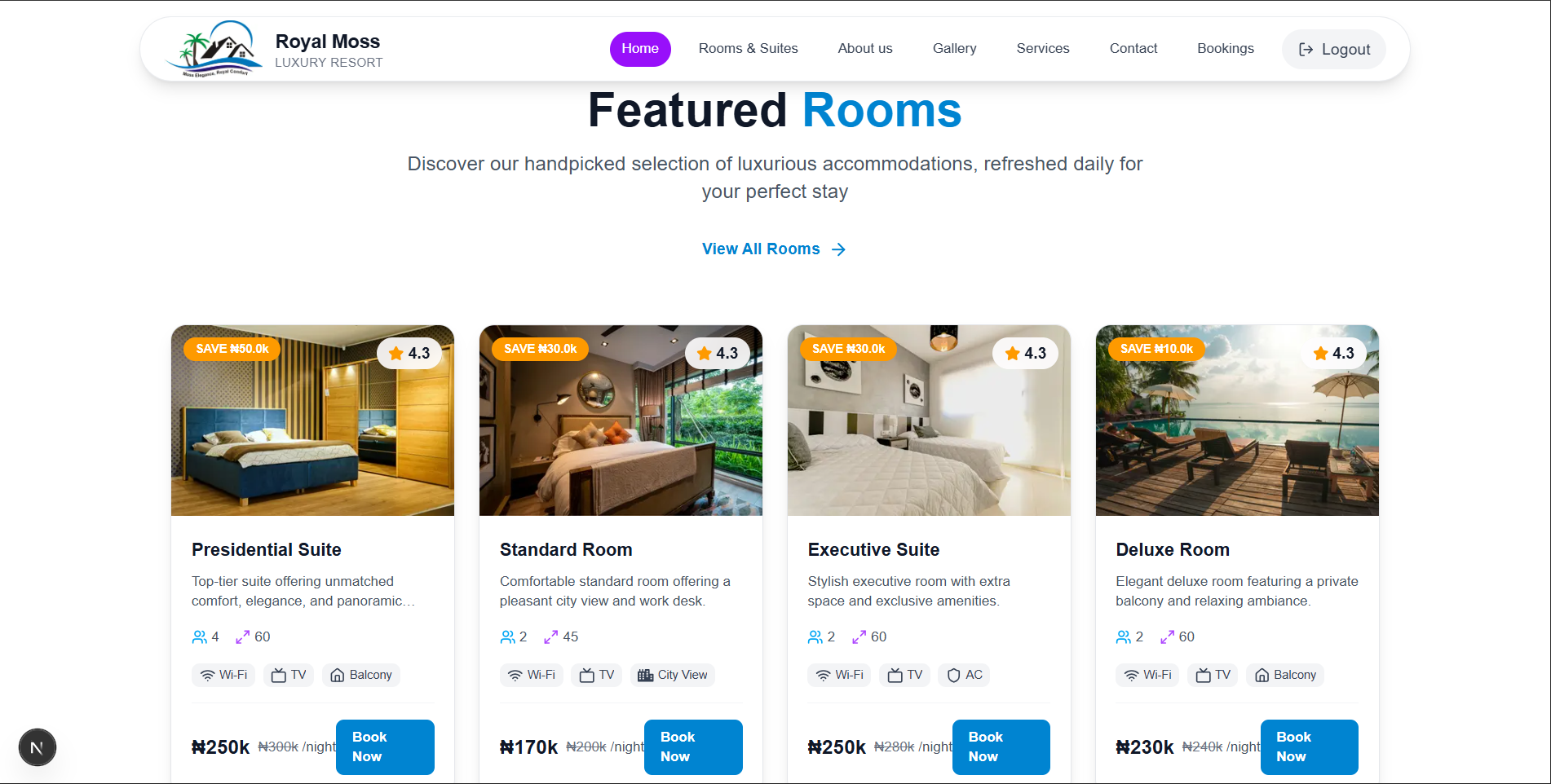
Full-stack hotel website with booking system, payment processing, and customer management system. Includes Contact Support, Sleek User Interface and Good User Experience, Optimized images and data fetching to make loading faster and smooth.
Booking System Implementation
Booking Flow
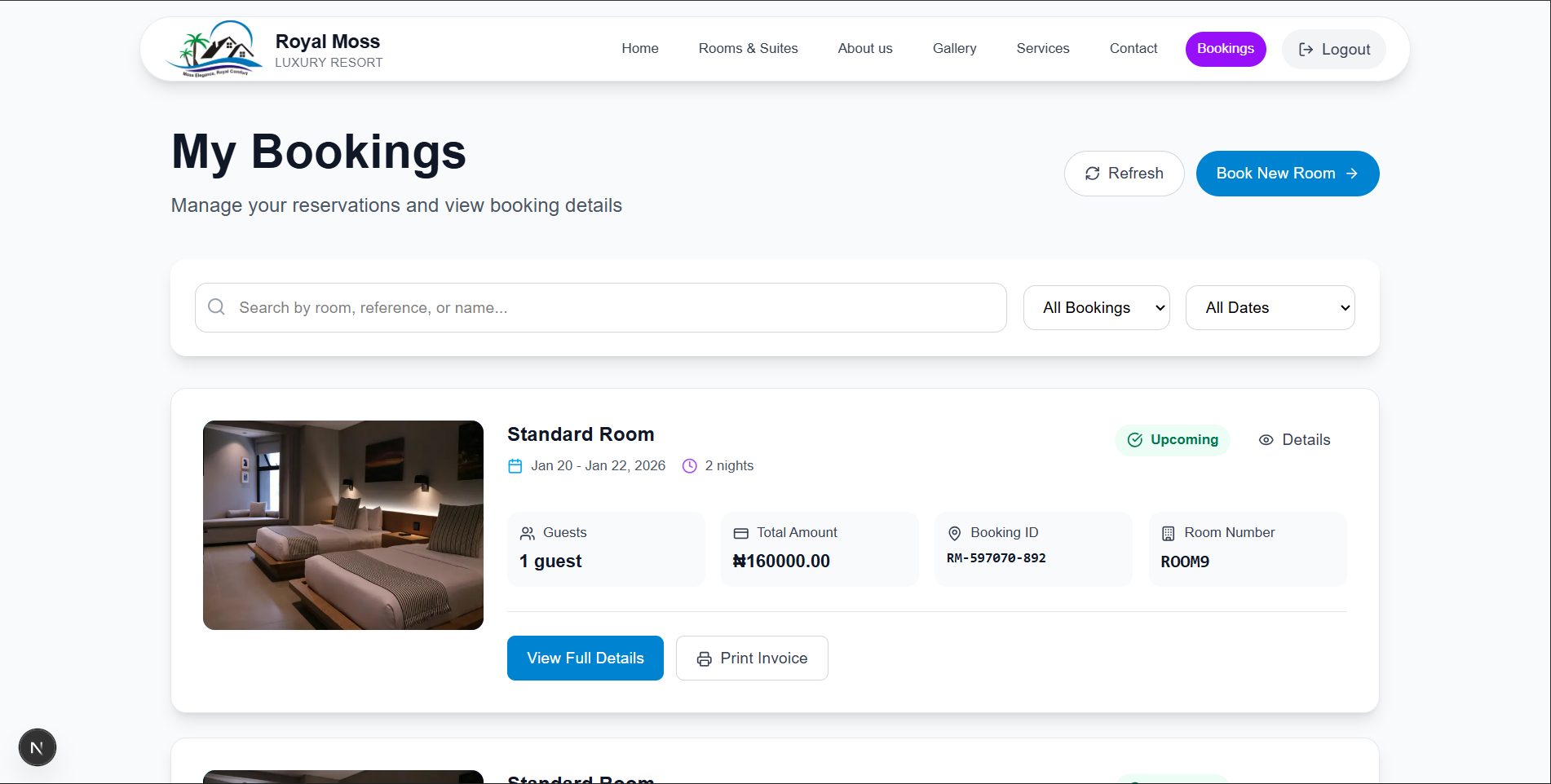
Customers visits the website, view room listings or check room avaialabilty and proceed to booking. Then, before proceeding to book, the customer is required to fill their details like, fullname, email, check-in and out date, number of guests. The system then calculate the total price based on the number of nights. Then the user can proceed to pay via a payment gateway called Paystack. After which the customer can download booking invoice, or access the bookings via the bookings page.
Secure Booking Flow
When a customer successfully book a room, the system automatically disable the dates range. Meaning, let's say a customer booked Jan 2 - Jan 5, those dates will be disabled to prevent double booking. It is also required to pay before you can book a room.
Form validations was also implemented for each input field to ensure they are correct.
Project Screenshots


Admin Management System
Secure Authentication
Role-based access control that checks the role of the user trying to log in if they are admin or not, if not they are redirected to the home page and if the user is an admin, they are redirected to admin dashboard, ensuring only authorized admins can access management features.
Booking Management
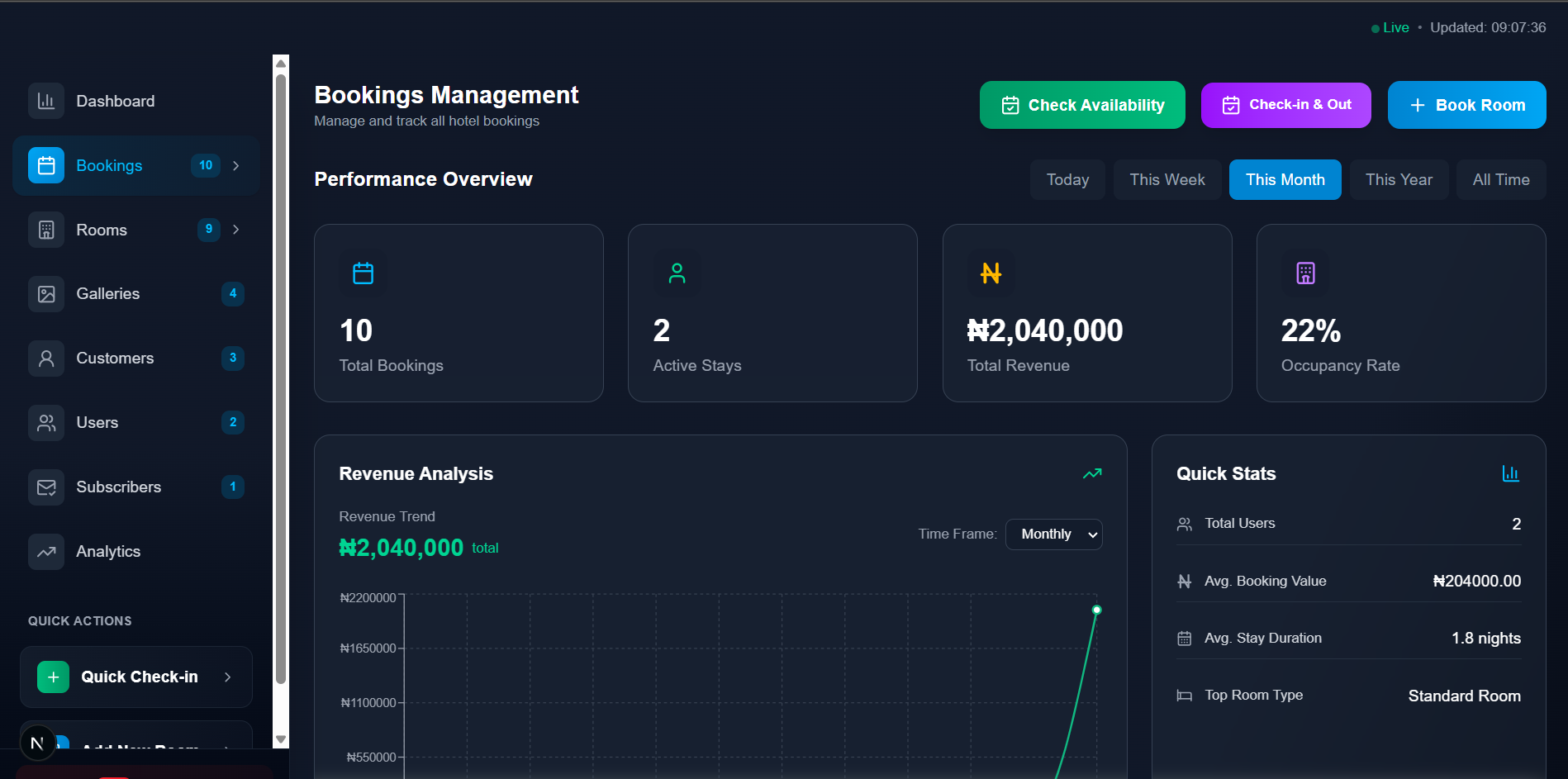
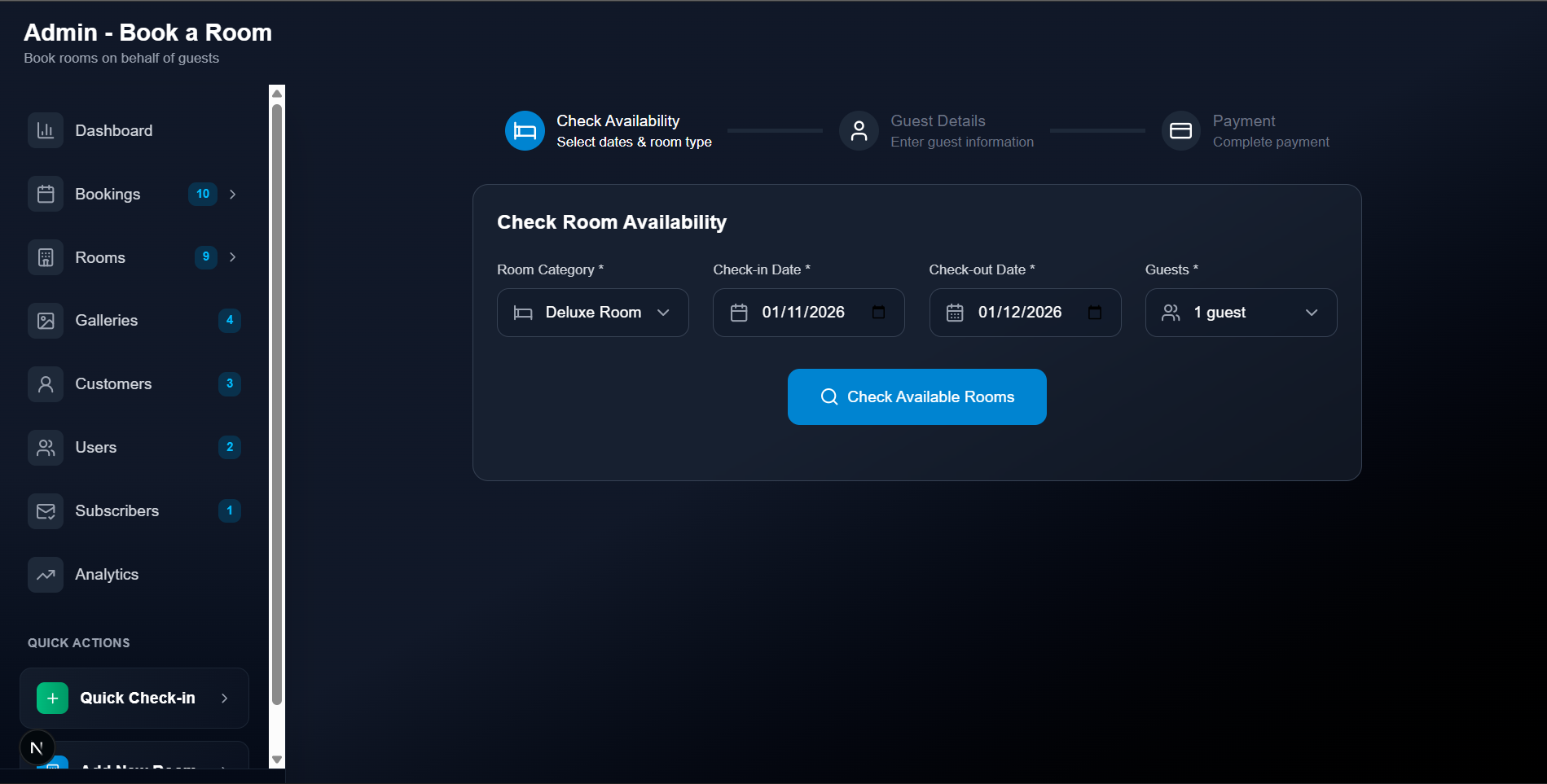
Admin can manage bookings made by the customer on the website, admin can also book a room for walk-in customer. The customer is to provide the room_id written on the booking invoice, so that the front desk staff can confirm the booking and check in the customer, same as when checking out.
Admin Pages
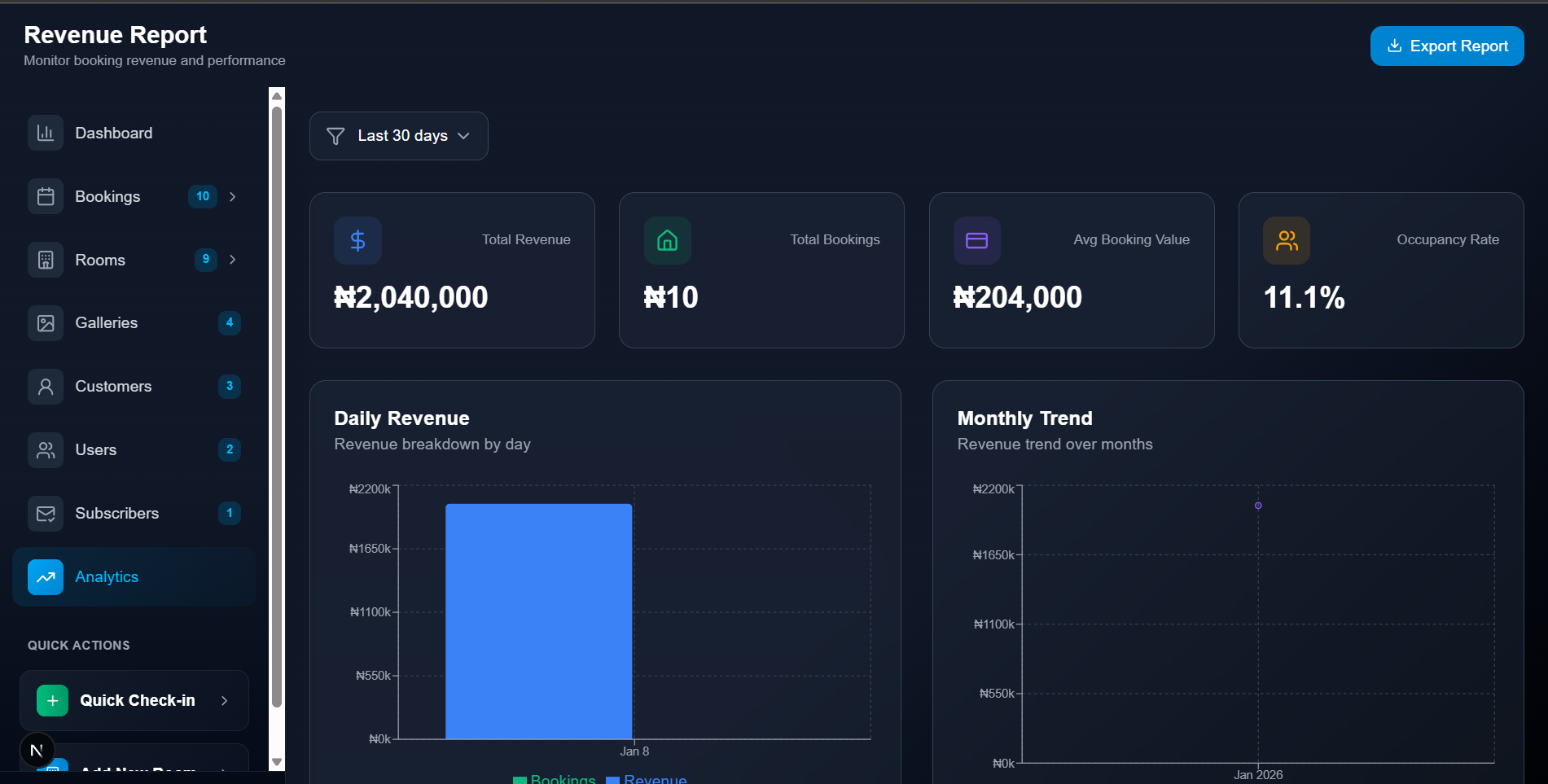
Admin has several pages which are: The Dashboard, it gives an overview of everthing happening on the website such as bookings, revenue and occupancy rate. The Bookings is splitted into 3 pages, one page for all bookings, the second for booking a room for customers and the third one for knowing which customer is checking in or out soon. Then the Rooms is splitted into 3 different pages also, one for viewing all rooms, the second one for inserting a new room, and the third one for checking room availabilty.
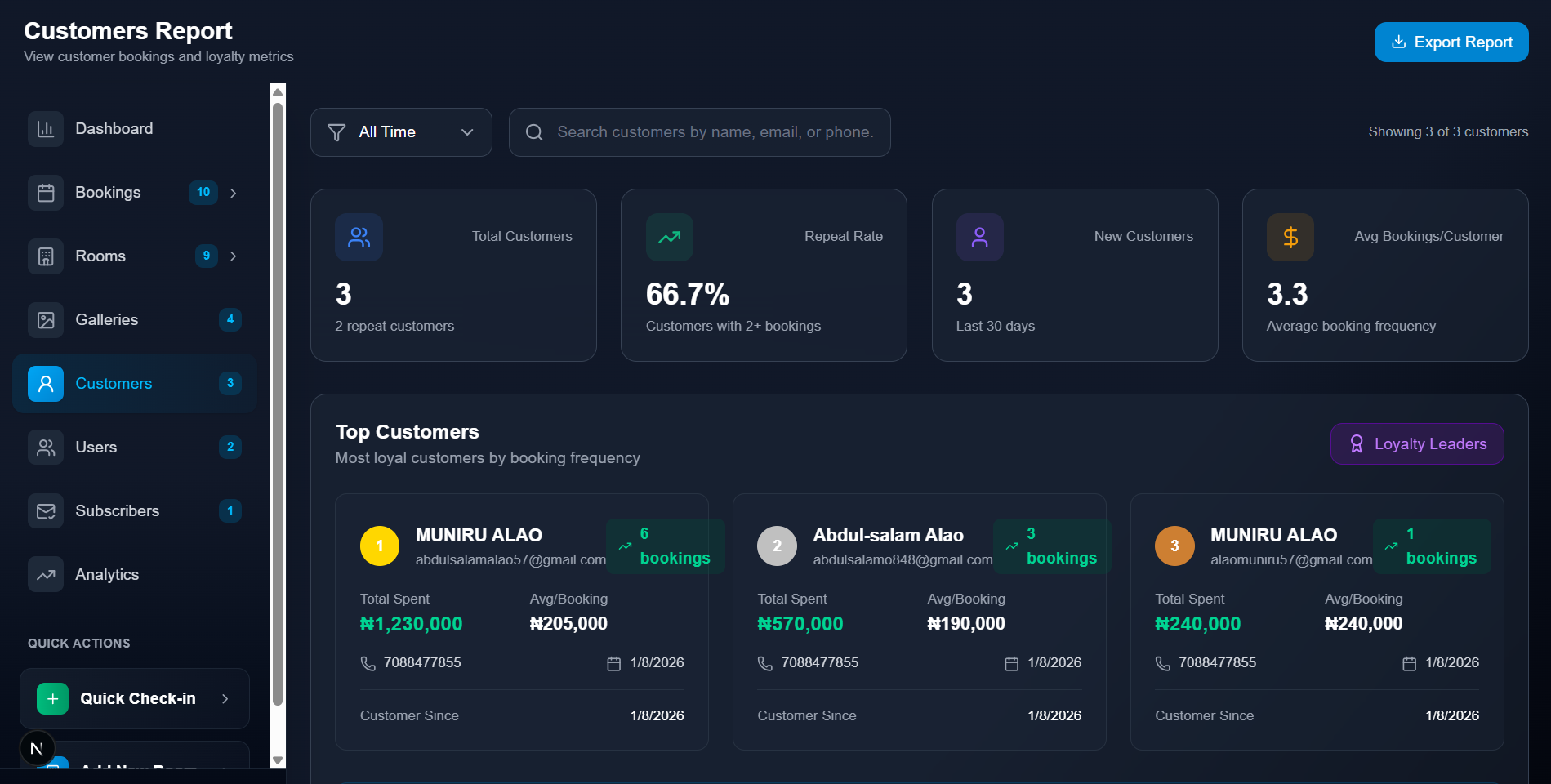
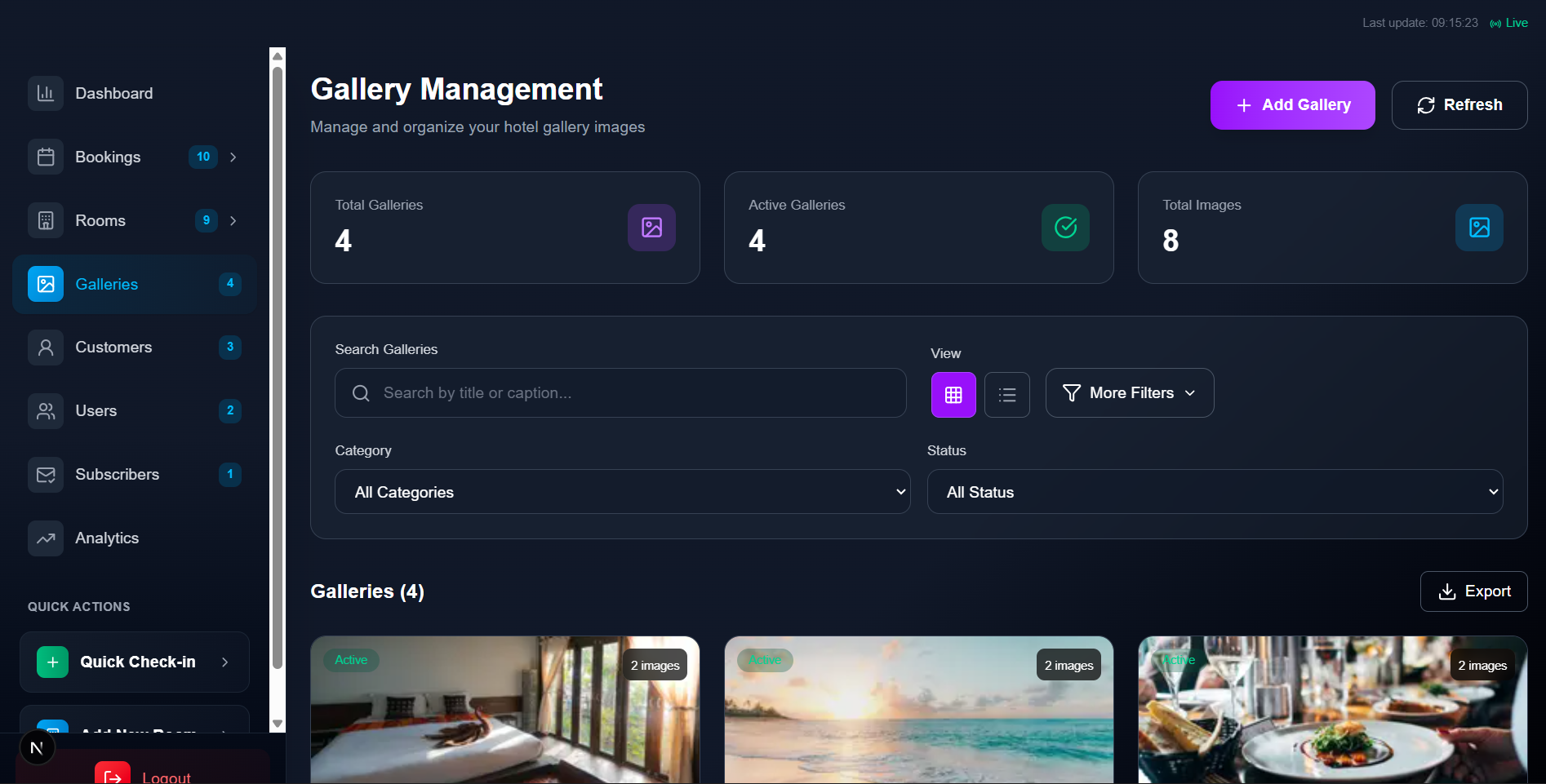
Then the Galleries page, it is where admin can insert new picture and manage hotel pictures. The Customers page allows admin to see the details of those that booked a room with them also showing the top 3 customers. The Users page is where admin can see those that created an account with them. The Subscribers page is where the admin can see those that subscribed to their newsletter and send promotional emails. Then the analyitcs page is where admin can see detailed analysis of booking, revenue.


Get In Touch
If you're searching for a developer, need help with something, or just want to connect, don't hesitate to send me a message. I'll get back to you as soon as possible!
Prefer to reach out directly?